Creative · PDF workbook
Color & Layout Workbook
A practical workbook of exercises for choosing colour palettes and arranging layouts that look calm, balanced and intentional.
$29
One-time payment · PDF workbook
Get instant access — $29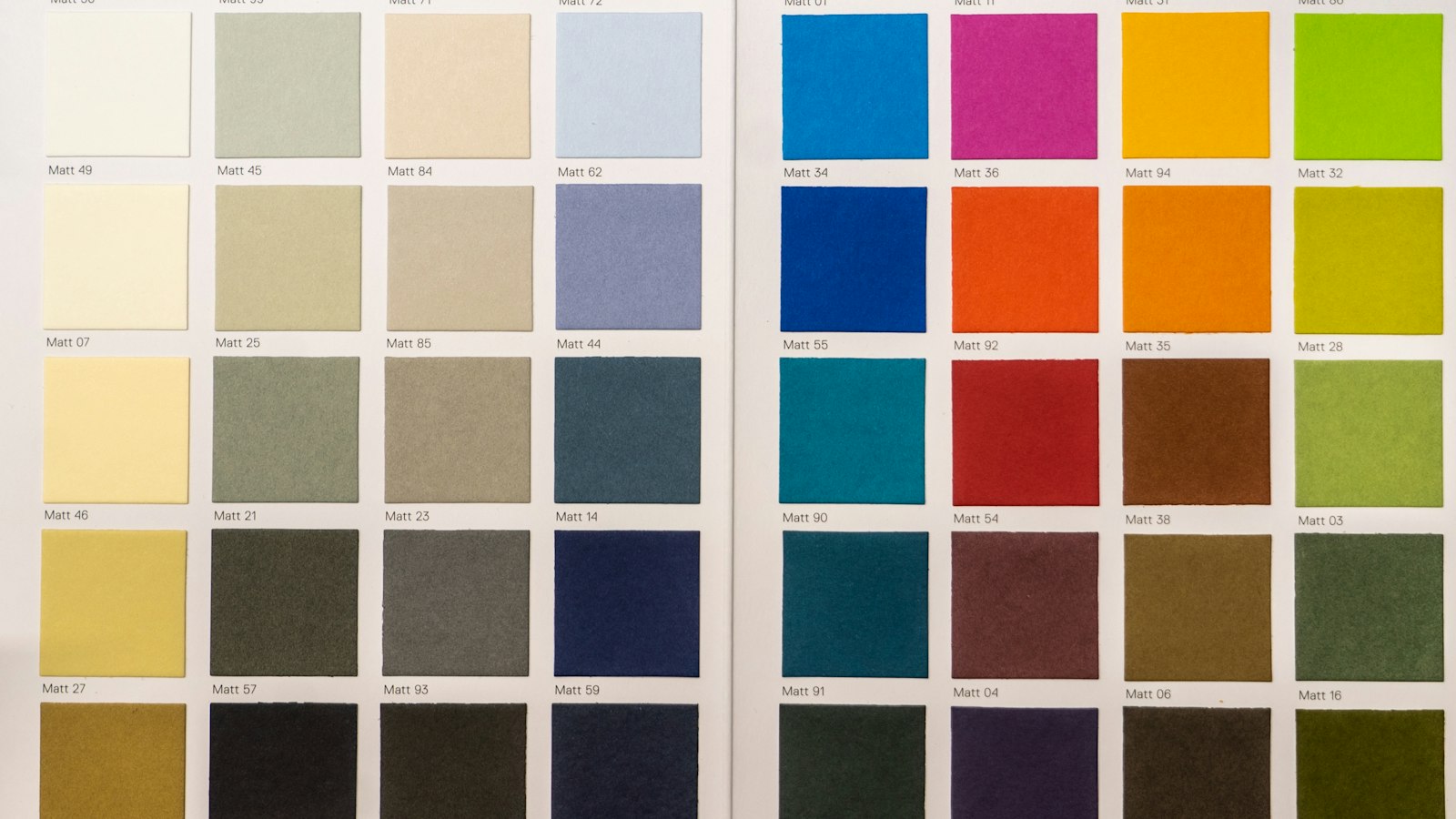
What this is
The Color & Layout Workbook is a printable set of explanations and hands-on exercises covering the fundamentals of colour and visual arrangement. It is designed for creators who make posts, slides, flyers, portfolio pages or product images and want them to look more considered.
Each section explains one idea in plain language, then gives you prompts and checklists to apply it to your own work straight away.
What you will be able to do
- Understand hue, value and saturation and why value matters most
- Build a working palette with clear roles for each colour
- Use alignment, proximity and spacing to organise a page
- Create visual hierarchy so the most important element is seen first
- Audit an existing design and decide exactly what to change

What’s inside
How Colour Works
Every colour can be described by three properties: hue, the colour family such as blue or orange; value, how light or dark it is; and saturation, how intense or muted it is. Of the three, value does the most work in a layout, because contrast in lightness is what lets us read text and separate shapes.
Building a Working Palette
A working palette gives every colour a job. A common structure is one dominant neutral for backgrounds, one darker neutral for text, one primary brand or accent colour, and one or two supporting colours. Limiting the palette makes decisions faster and results more consistent.
Colour Relationships
Colours influence each other. Analogous colours, which sit next to each other on the colour wheel, feel calm and harmonious. Complementary colours, opposite each other, create energy and contrast. Warm colours tend to advance visually, while cool colours tend to recede.
Alignment and the Grid
Alignment is the simplest way to make a layout look organised. When text and images line up along shared edges, the eye reads them as connected. Random placement, even if each element is nice on its own, feels messy.
Proximity and Space
Proximity means placing related items close together and unrelated items further apart. It lets readers understand structure without extra lines or boxes. A heading should sit closer to its own paragraph than to the paragraph above.
Visual Hierarchy
Hierarchy tells the viewer what to look at first, second and third. You create it with size, weight, colour, contrast and position. Most layouts need one clear primary element, a few secondary elements and supporting detail.
Typography in Layout
Type is a layout element as much as a message. Use no more than two typefaces, set clear size steps for headings and body text, and keep line lengths comfortable, roughly forty-five to seventy-five characters for body text on screens.
Design Audit Worksheet
Use this audit whenever a design feels wrong but you cannot say why. Work through each question in order. Most problems come from value contrast, alignment, spacing or unclear hierarchy rather than from the choice of colours or fonts themselves.
This is for you if…
- You design your own social posts, slides or printed pieces
- Your layouts feel cluttered but you are not sure why
- You want a printable reference you can work through at your own pace
What you get
- Instant PDF download after checkout
- 8 focused sections with prompts and exercises
- Print it or fill it in on screen
- Yours to keep and reuse
Questions
What format is it?
A downloadable PDF (pdf workbook). You can print it or fill it in on screen.
How do I get it?
Right after checkout you will see a download link on the order confirmation page. It also stays available under Downloads in your account.
Is there any audio or video?
No. Everything is written so you can work through it at your own pace.
Educational content only. Your results depend on your own effort, circumstances and choices; no specific outcome is promised.